Once you generate, the timetable references the resources (My school year,
Rooms, Groups, Classes, Staff) used at that time.
Changing or deleting those resources after generation can cause:
• Broken or invalid allocations
• Missing/unassigned periods
• Teacher/room/student conflicts
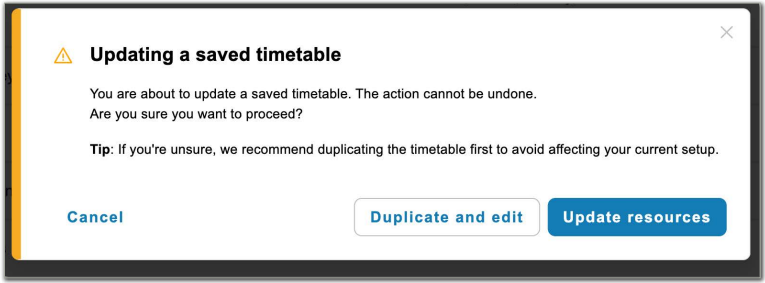
When you attempt a risky change you’ll see a warning. Choose to:
• Cancel (keep current timetable intact)
• Clone the timetable and related resources (safe sandbox to test changes), or
• Proceed (accepting the current timetable may no longer function as expected)

Was this article helpful?
That’s Great!
Thank you for your feedback
Sorry! We couldn't be helpful
Thank you for your feedback
Feedback sent
We appreciate your effort and will try to fix the article